


From the Main Dashboard click the green button Create New Port Call.
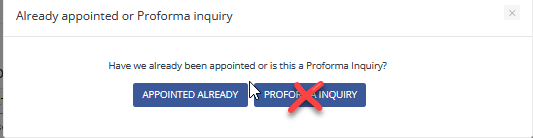
Choose Appointed Already from the Pop Up.
The Create Port Call screen is broken down into the below 4 panels. Each panel will require information to be entered to create the Port Call. On the first 3 panels you will see red asterisks identifying the required fields. After entering all of the required fields and any additional fields as instructed click the Submit button.
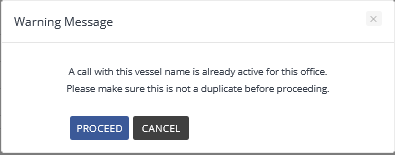
Important: When the Submit button is clicked, if the below pop up appears it is critical to check for the duplication and if the call is already created CANCEL the New Port Call creation.


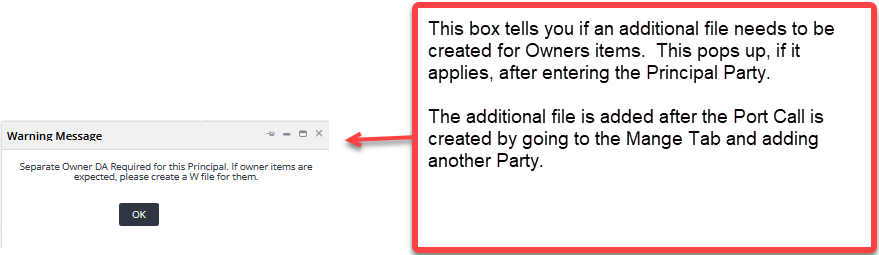


After the Port Call is successfully created, Fairwater will open the Port Call to the Manage Tab as shown below. Depending on the user permissions various tabs are shown in the Port call for managing the Port Call.
